Game Development
Three game prototypes exploring game dev from first principles: a 3D Godot escape room built around a magnet, a 2D LÖVE/Box2D dig-and-defend game with destructible per-pixel terrain, and a Temple Run clone written in raw C and X11 with no engine at all.
Magnet Escape Room
I wanted to try my hand at game design, since it’s a lot like UX and designing a complex software product, but with an extra dimension and a lot more interaction design to think through.
When the player, the camera, and physics are all fighting for the same space, “the interface” stops being a screen and becomes the whole room.
I got inspired to start here by Box3D, Erin Catto’s physics engine. It’s still young and simple, which is exactly what made it a good first step: small enough to actually understand what it’s doing, but real enough to build physics-based gameplay on top of.
I picked Godot as the engine because it’s the most beginner-friendly option out there, and this whole thing was my first time working in 3D game design at all.
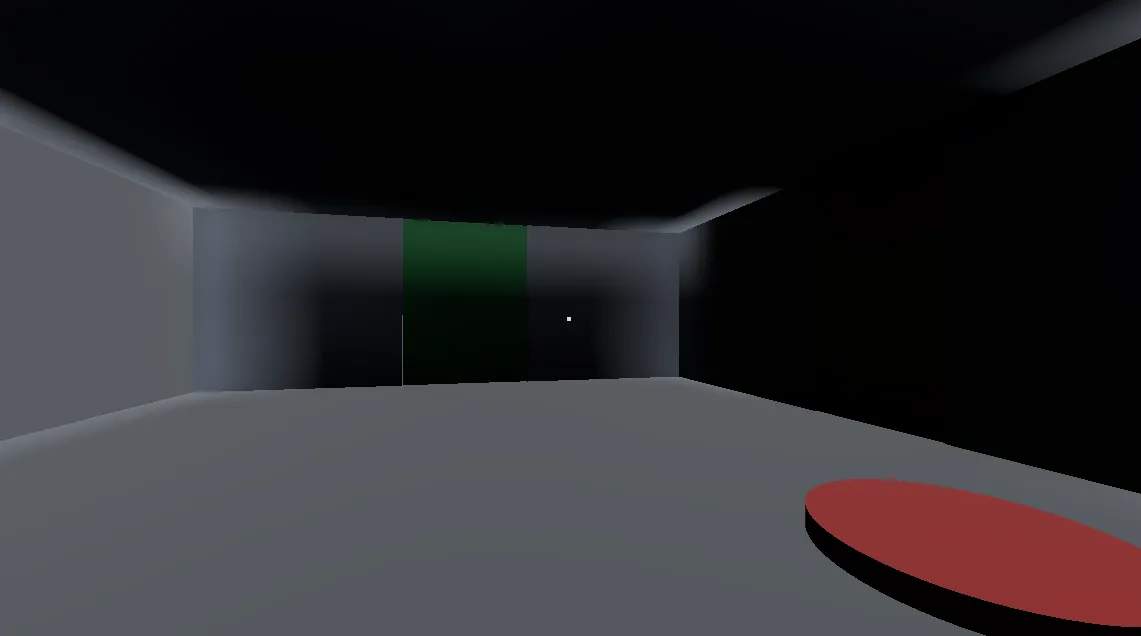
This was just a test, but it turned out to be a good combination for exploring and building out a small “world” with an actual gameplay loop to solve. I used the physics engine to make something Half-Life/Portal-inspired: a simple first escape room.
The player gets a magnet to manipulate metal objects around the space, and figuring out ways to use that to obstruct the player on their way out ended up being genuinely fun. There’s a lot of room here: I can already see a bunch of interesting puzzle ideas and directions to expand the concept further.
For now, it was mostly about learning game dev in general, and about the less glamorous side of it too: making sure gameplay bugs got squashed and that the physics engine couldn’t be abused by the player to cheat their way past a puzzle.
That last part turned into its own rabbit hole: getting the character controller to stand, walk, and slide against walls correctly on a young physics engine surfaced a real chain of bugs (a crash, then a fall-through, then a freeze) before landing on a fix that actually held up.
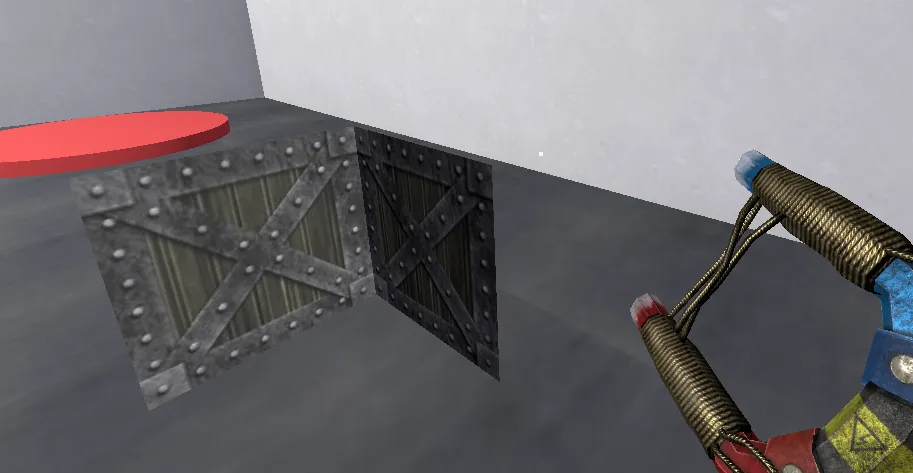
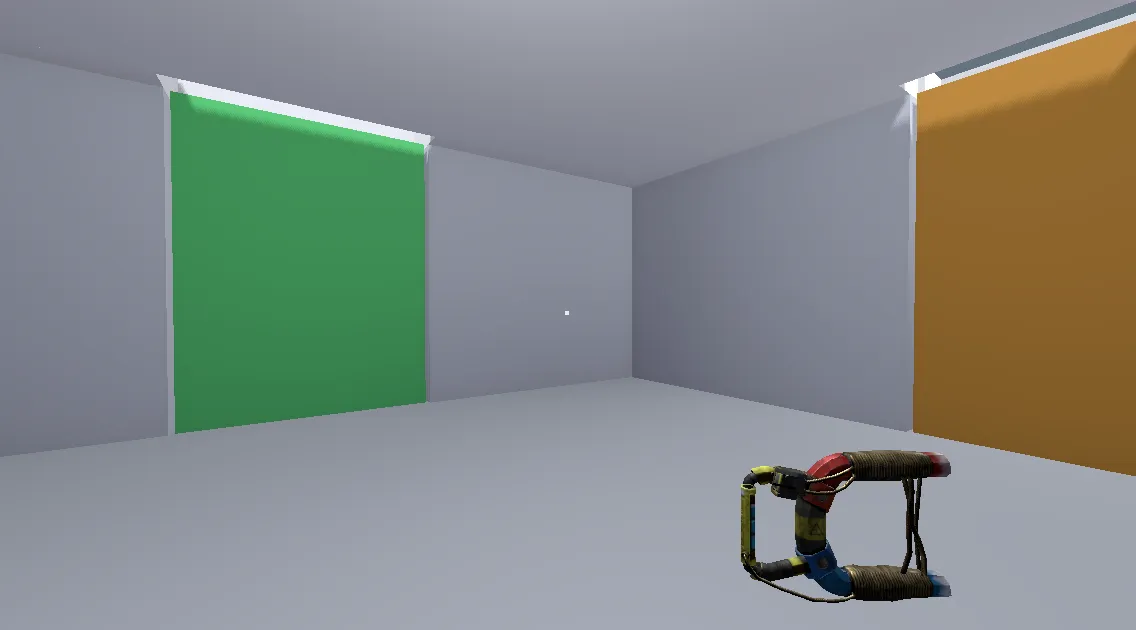
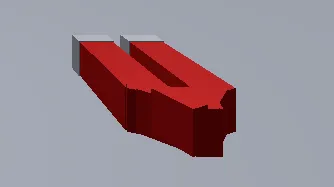
Positioning that magnet correctly in the player’s hand is what actually forced the next tool. Godot’s viewport UI is fine for placing static level geometry, but nudging a hand-held item into an exact spot relative to a moving camera, by dragging axis handles with a mouse, was slow and imprecise in a way that kept missing the mark.
So I built a small runtime debug tool instead: a script that attaches to any Node3D and lets a connected gamepad fly it around in 3D space, then dump the exact coordinates. Left stick strafes on the horizontal plane, right stick handles height and yaw, analog triggers move it forward and backward along the direction it’s already facing, and the shoulder buttons cover the same motion digitally as a backup. Holding one face button switches to a slow precision mode for the final nudge into place, holding another speeds it up to cover distance quickly.
Pressing A prints the current position and copies it straight to the clipboard as a ready-to-paste Vector3(x, y, z); pressing B appends it to a waypoints log instead, for capturing several positions in one session. Start toggles the whole thing on and off, so once an object’s in the right spot I can stop it from drifting instead of it quietly eating input for the rest of the session. It only runs at runtime, since gamepad input in the editor viewport isn’t reliable, so the workflow was: play the actual scene, fly the object with an Xbox controller, and paste the result straight into the game code.
The same control feel turned out to work just as well for textures. I reused it to nudge and scale UVs on props in real time instead of typing offset and scale values in and re-running to check them, so getting a texture to actually line up and read at the right size in-game became the same feel-it-out process as placing the magnet.
It ended up more intuitive than the editor’s own viewport UI for this kind of work, an analog stick maps much more directly onto “nudge this thing through space” than a mouse-dragged handle does, and it turned exact hand-item, prop, and texture placement from a fiddly trial-and-error loop into something I could feel my way through in seconds.
Pixel Defense
A 2D Worms-style base defence, built on pixel destruction.
This one’s older than the other two, and it’s the idea I’d had the longest. A 2D defence game where you dig into an infinite Terraria-style world, build up a base, and fend off waves of enemies that march in and dig their way toward you.
The terrain isn’t a tile grid. It’s a chunked world made of actual per-pixel image data, generated with layered Perlin noise for hills, mountains, and caves.
You build and dig with a brush, in circles or squares, and it edits pixels directly rather than snapping to any grid. That’s what makes the destruction feel soft instead of blocky.
Digging out a chunk of terrain doesn’t just erase it either. If digging disconnects a piece of ground from the rest of the world, that piece gets handed off to Box2D as a real falling body, tumbling and settling like debris instead of just vanishing.
Structures work the same way. A radio tower is built from individual rigid segments connected by physics joints, tapering from a wide base to a narrow top, so damaging one part of it actually stresses the rest.
Enemies aren’t scripted to path around the terrain either. They march toward the player, and when the ground blocks their way, they switch into a dig state and just tunnel through it, the same digging system the player uses.
I’d had the idea for something like this since I was a kid, a defence game where the terrain itself is a resource and a weapon, closer to Worms than Terraria. LÖVE and Lua were the right size for actually finishing a prototype of it: small enough to move fast, with Box2D built in for free once soft, physical destruction became the whole point.
It’s still a prototype rather than a full game. But the core loop is already there: dig, build, defend, watch your own walls get chewed through by something digging back.
tinyrunner
Learning the ground floor: a Temple Run clone in raw C and X11.
This one started less as “make a game” and more as “understand how games used to get made.” Stuff like RollerCoaster Tycoon, which Chris Sawyer wrote almost entirely in hand-optimised x86 assembly, was the kind of reference point I had in mind.
I wanted to learn, with AI as a collaborator, what that era of game development actually involved. No engine doing the heavy lifting, and a real emphasis on optimisation because the hardware demanded it.
C and raw X11 felt like the right level to start at. Close enough to the metal to force real decisions about performance, but not so far down as full assembly for a first attempt.
tinyrunner is a small Temple Run style endless runner, and the whole thing is one file. No SDL, no helper library, just libX11 and libm.
Opening a window, allocating colours by hand, drawing into a pixmap, and blitting that pixmap to screen every tick, all done directly through Xlib calls.
Everything above that is built from scratch too: a manual game loop with its own fixed timestep and frame pacing through nanosleep, procedural level generation, jump and duck physics, a chasing boulder that closes the gap if you get hit too often.
There’s no framework handling collision or rendering. Every rectangle on screen is an XFillRectangle call I placed myself, every obstacle is an axis-aligned box check I designed deliberately, every frame’s timing is something I have to account for myself instead of trusting an engine’s fixed update loop.
That’s what made it worth doing. Before trusting an engine like Godot to handle physics, input, and rendering for me, I wanted to actually see and control every part of the loop myself, the way developers had to when there was no engine to reach for.
It’s a tiny project. But it’s the other end of the same thread as the physics and destruction experiments: relearning game dev from first principles, from raw pixels and a manual loop up to a real physics engine.